Edit videos with
natural language
Just describe what you want. PromptCut understands your instructions and edits your footage from your prompts.
Download for free
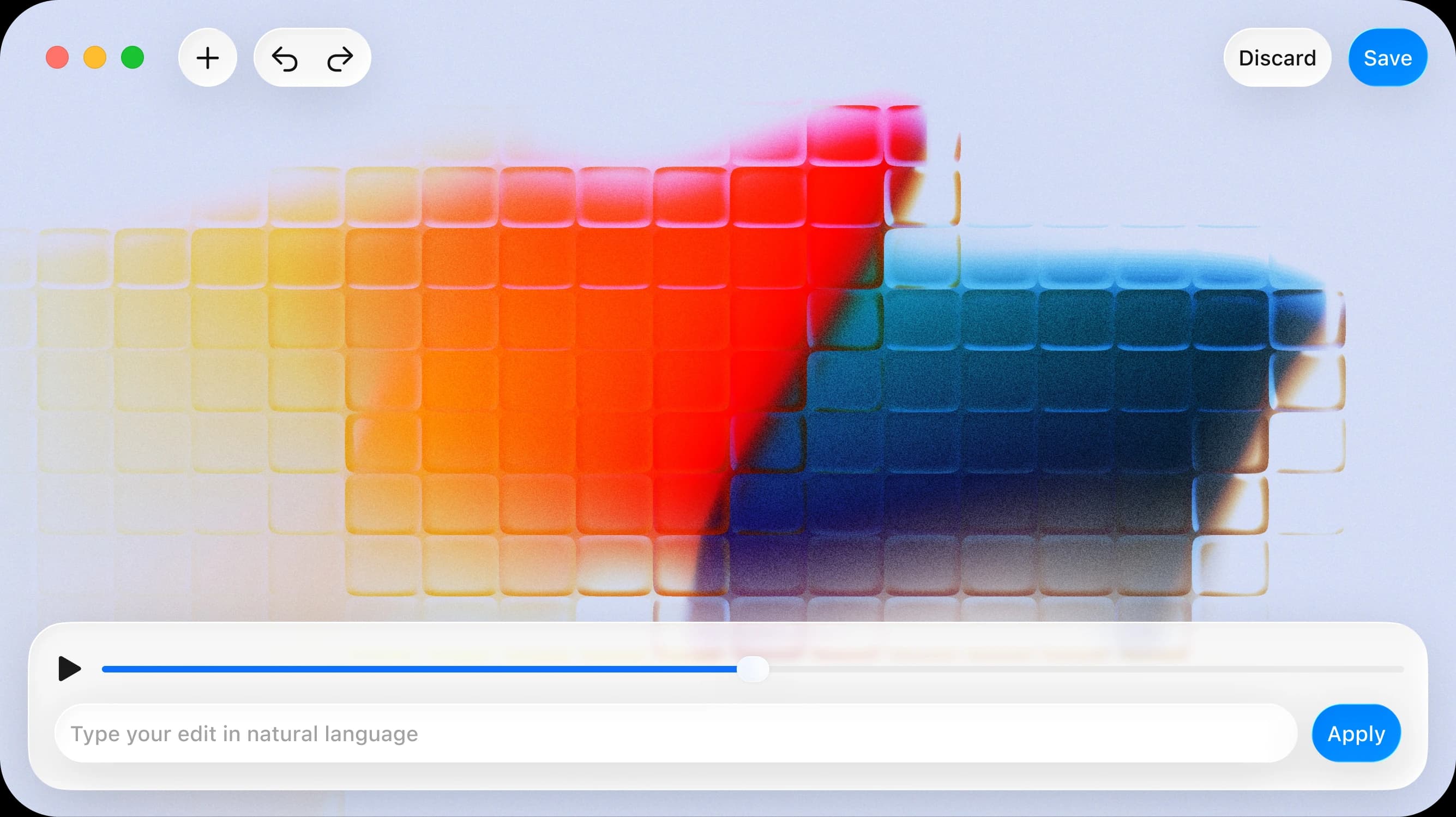
Edit at the speed of thought
Stop Googling ffmpeg commands. Start describing what you want.
Plain English commands
No flags, no manuals. Just type what you want: "compress video to 10mb" or "convert video to gif".
20+ operations
Convert, compress, trim, resize, merge, extract audio, adjust speed, rotate, flip, crop, loop, and more — all from one tool.
Interactive mode
Not sure what to type? Just start writing what you want and follow the prompts. Step-by-step guidance with no memorization needed.
Format conversion
Convert between any format ffmpeg supports. MP4 to GIF, video to MP3, or anything else — one command.
Fast & offline
No AI, no API calls. Just pattern matching that maps your words to ffmpeg commands. Works anywhere, instantly.
Trim, merge & compose
Trim clips to exact timestamps, merge multiple videos in order, reverse clips, or capture a thumbnail at any moment.
How it works
Three steps to your final cut. No timeline wrestling required.
Upload your footage
Drag and drop a video file. PromptCut supports all major formats ffmpeg can handle.
Describe your edits
Type what you want in plain English. PromptCut maps your words to ffmpeg commands instantly — no flags, no manual.
Export and share
Preview your edited video, make adjustments with follow-up prompts, then export in your desired format.